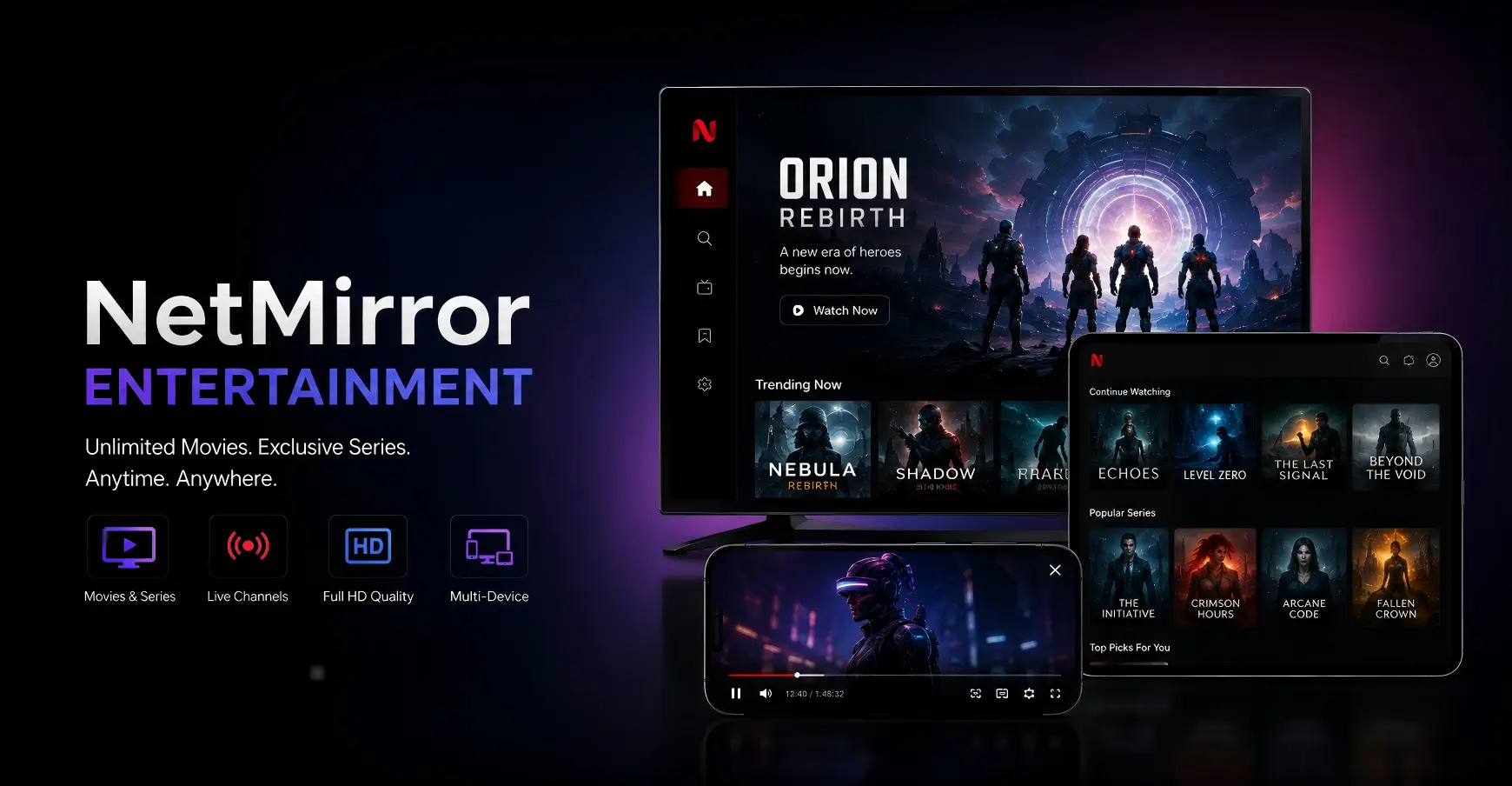
 NetMirror for Android
Real app preview · Version 3.0
NetMirror APKEntertainment in one place.
Explore real NetMirror screens, app features and a clear Android installation guide on one focused page.
- Version
- 3.0
- File size
- 54.39 MB
- Platform
- Android
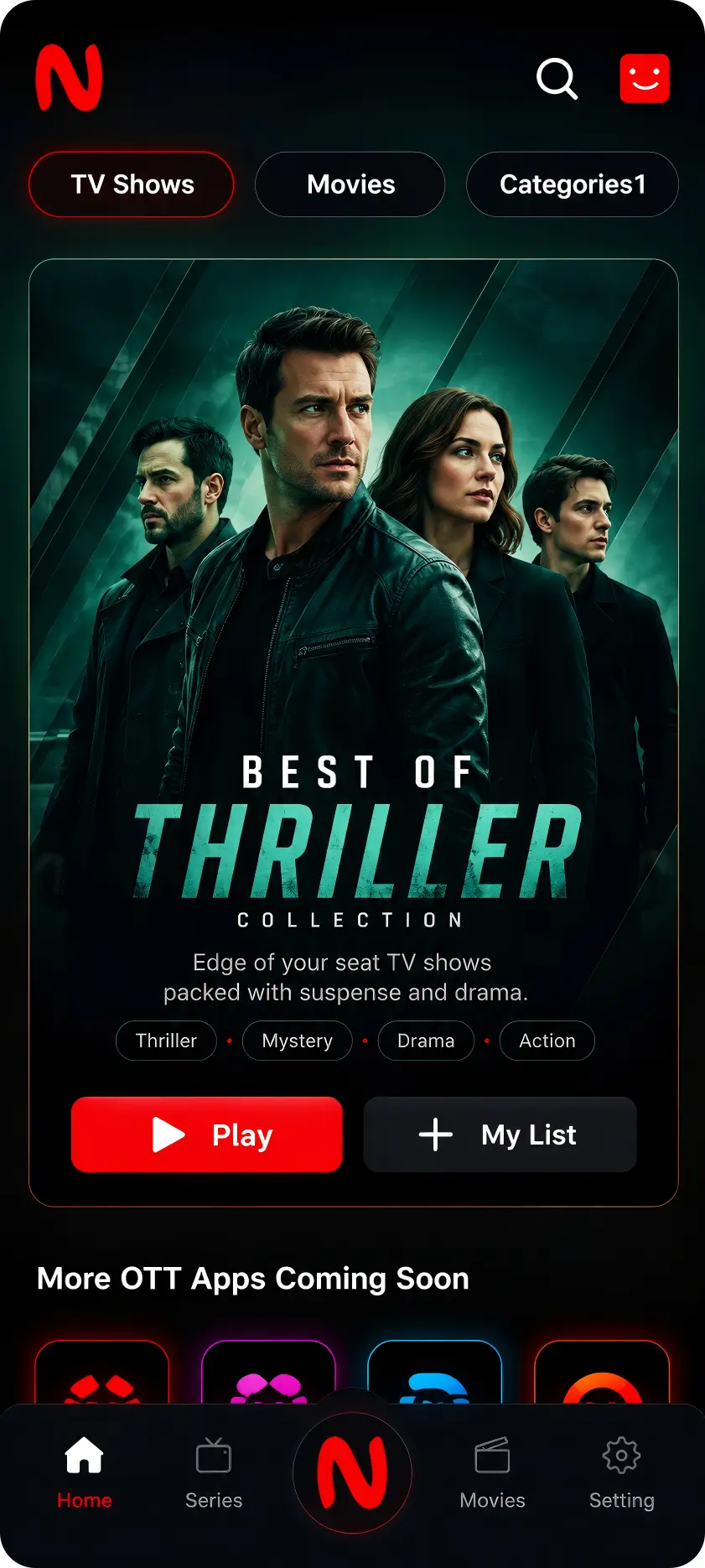
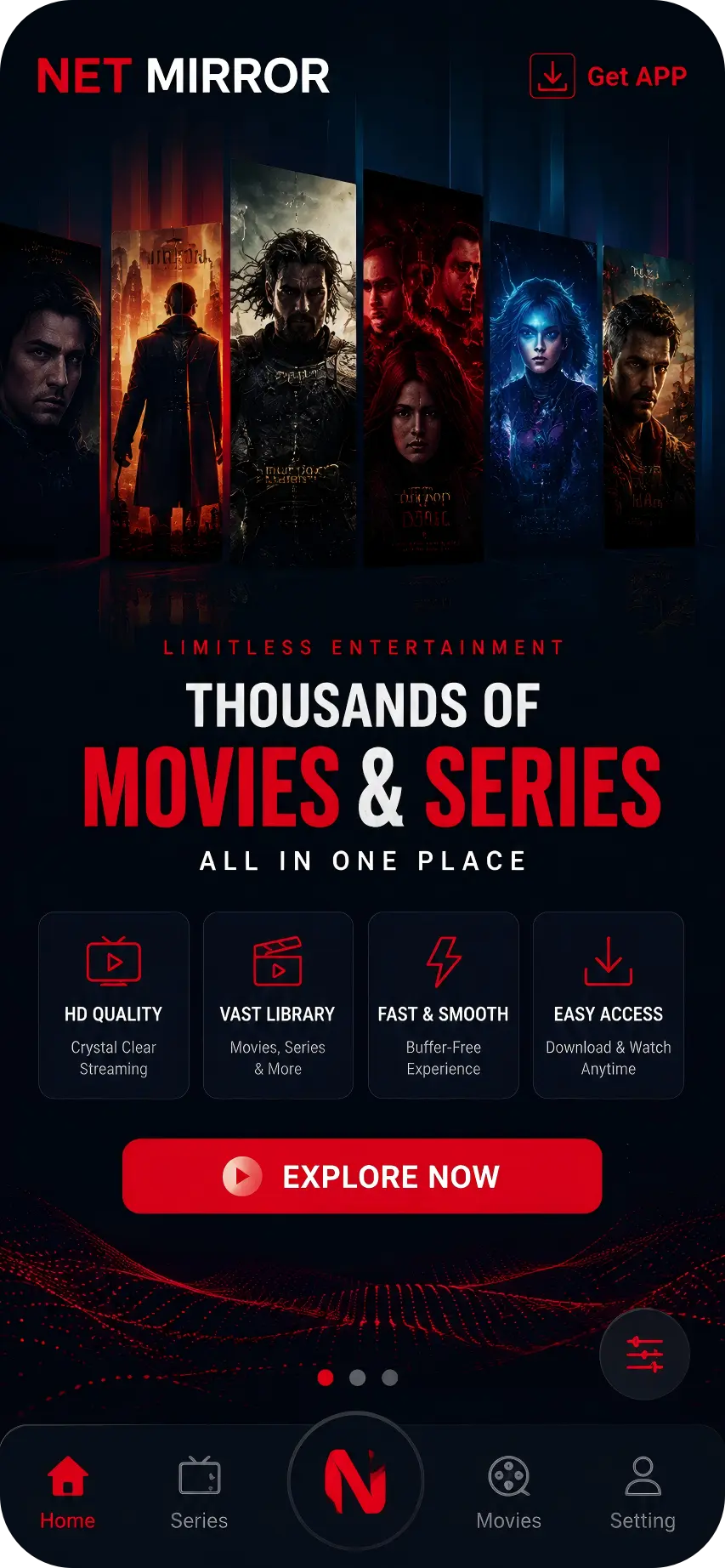
Inside NetMirror
Real screens.Clear experience.
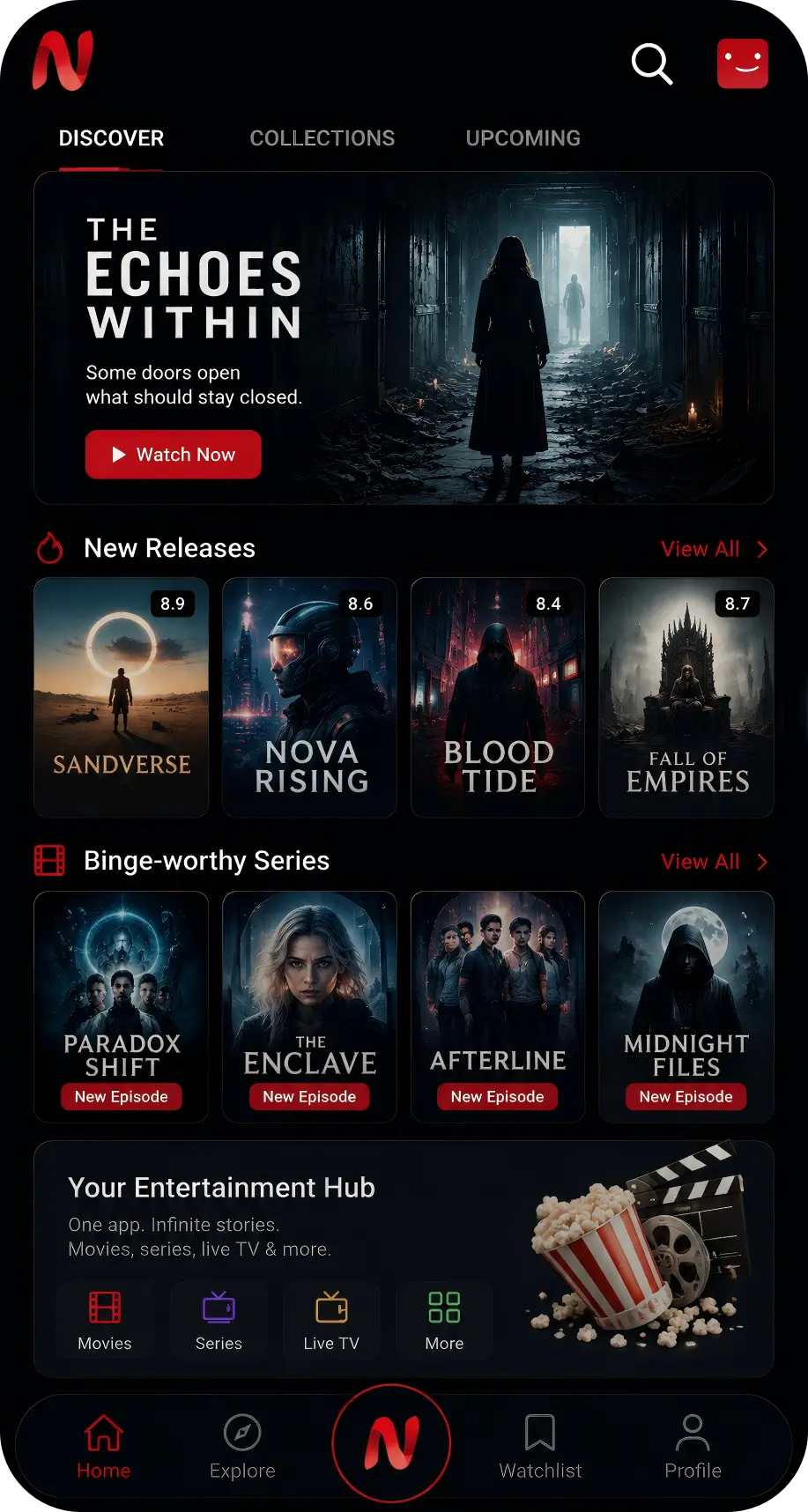
Browse categories, search titles and explore movies and series from the real Android interface.
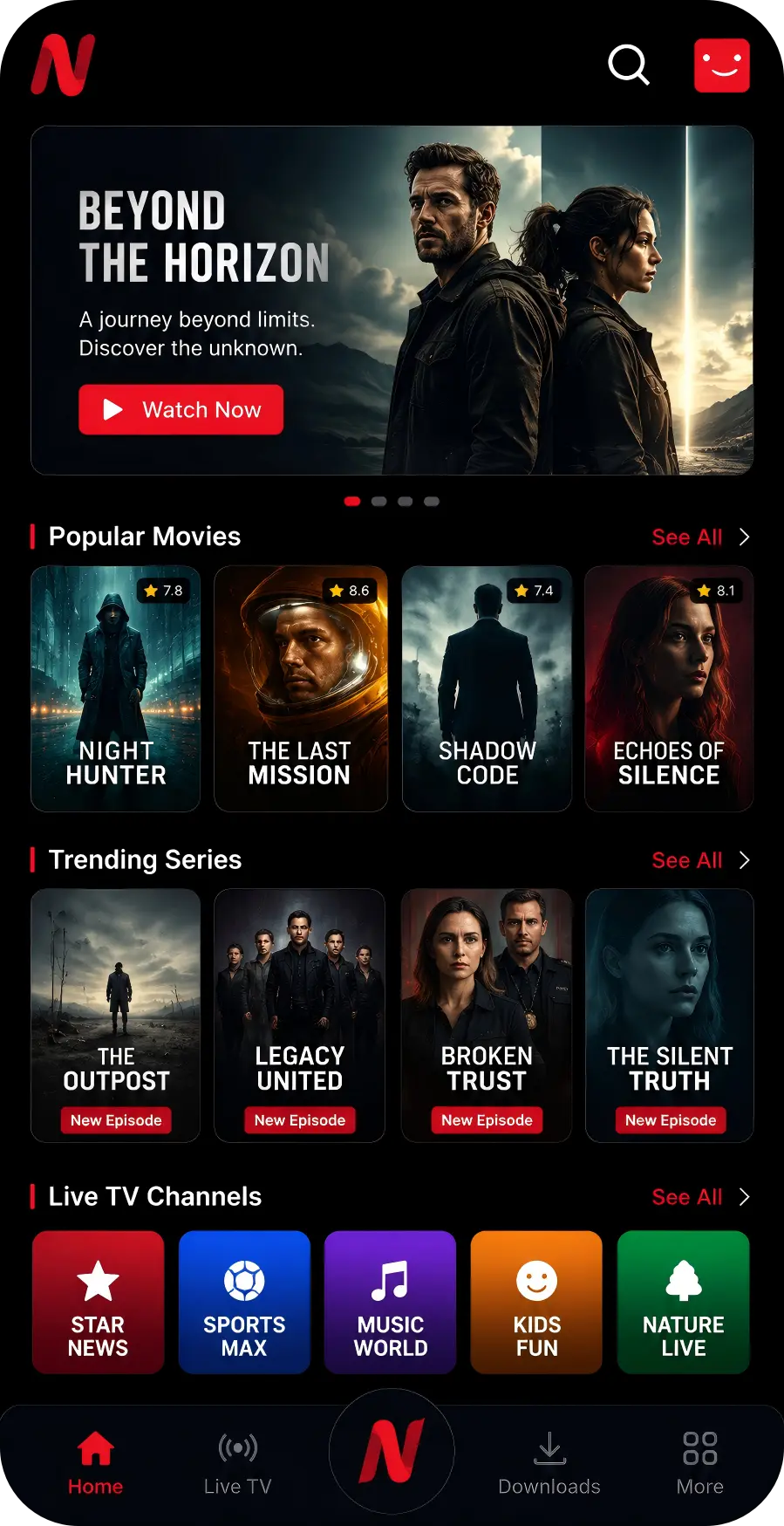
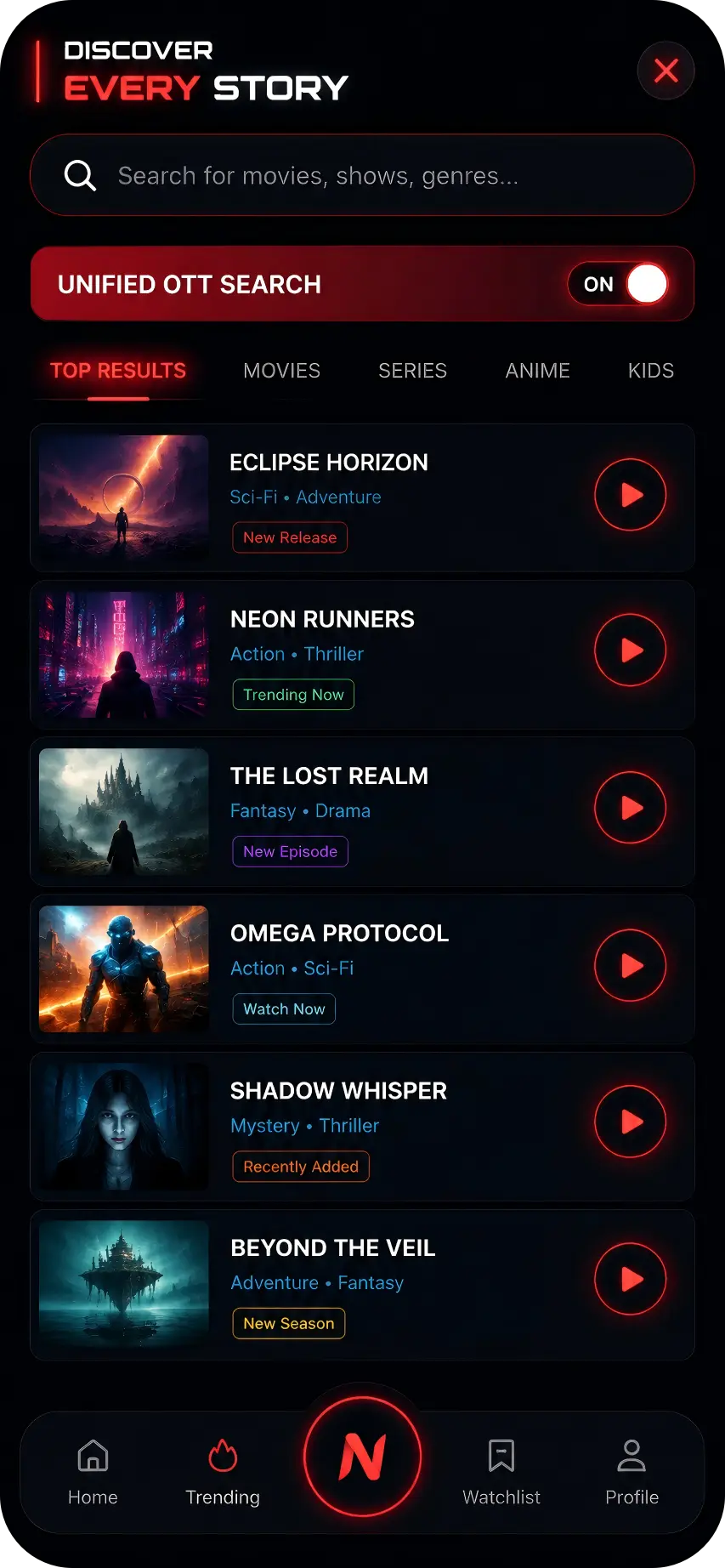
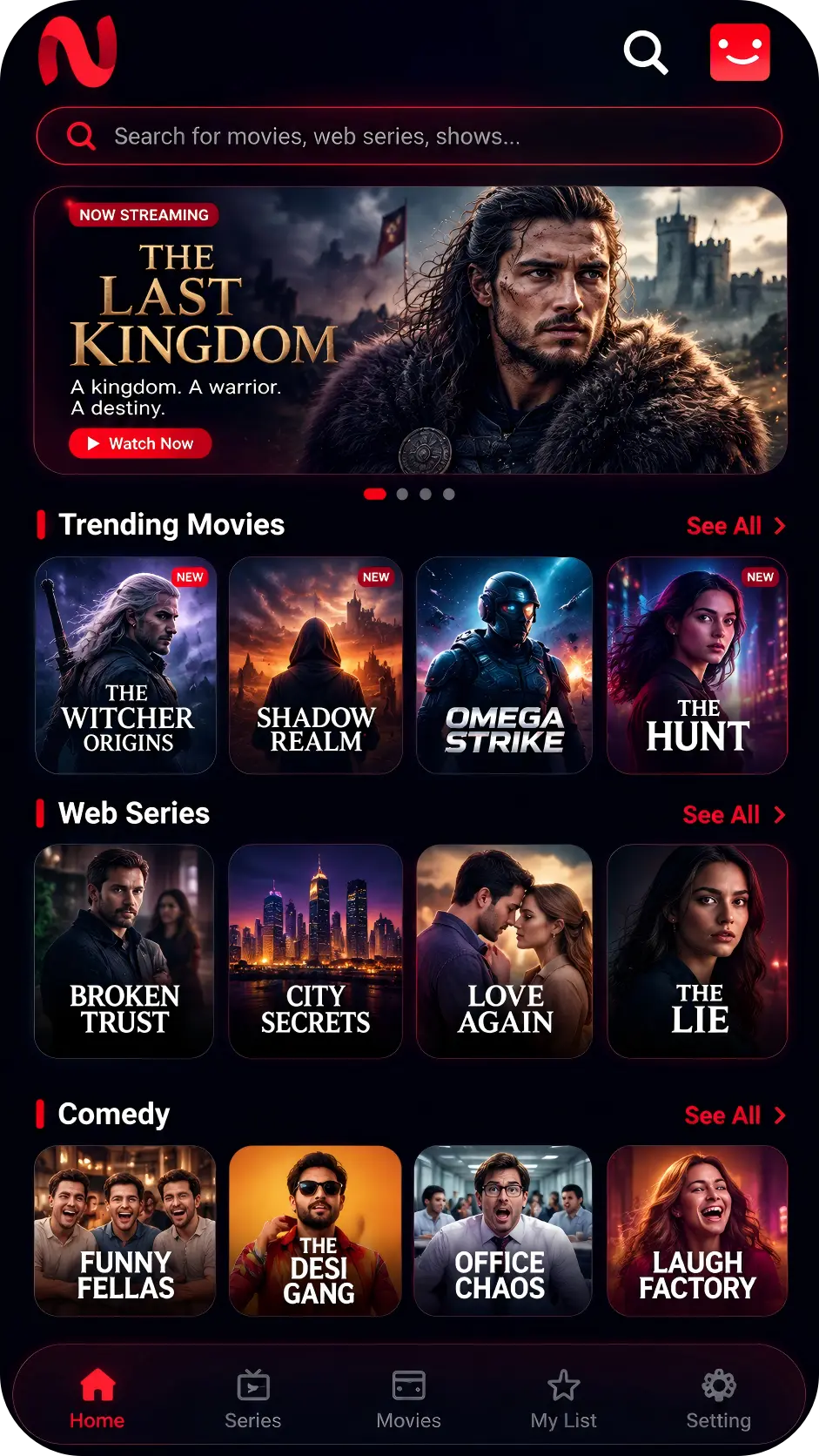
Simple discovery
Everything stays easy to find.
A focused interface keeps browsing, search and playback controls clear.
Browse by category
Explore organized movie and series collections without unnecessary steps.
Search quickly
Find a movie, show or genre from one dedicated search screen.
Built-in playback
Open details and use the integrated playback interface on supported devices.

Android package
Download NetMirror APK.
Check your device compatibility, download the Android package and follow the real installation screens below.
NetMirror
Android package information
- Version
- 3.0
- Package size
- 54.39 MB
- Format
- APK
- Installation
- Manual
NetMirror Installation
Install in four clear steps.
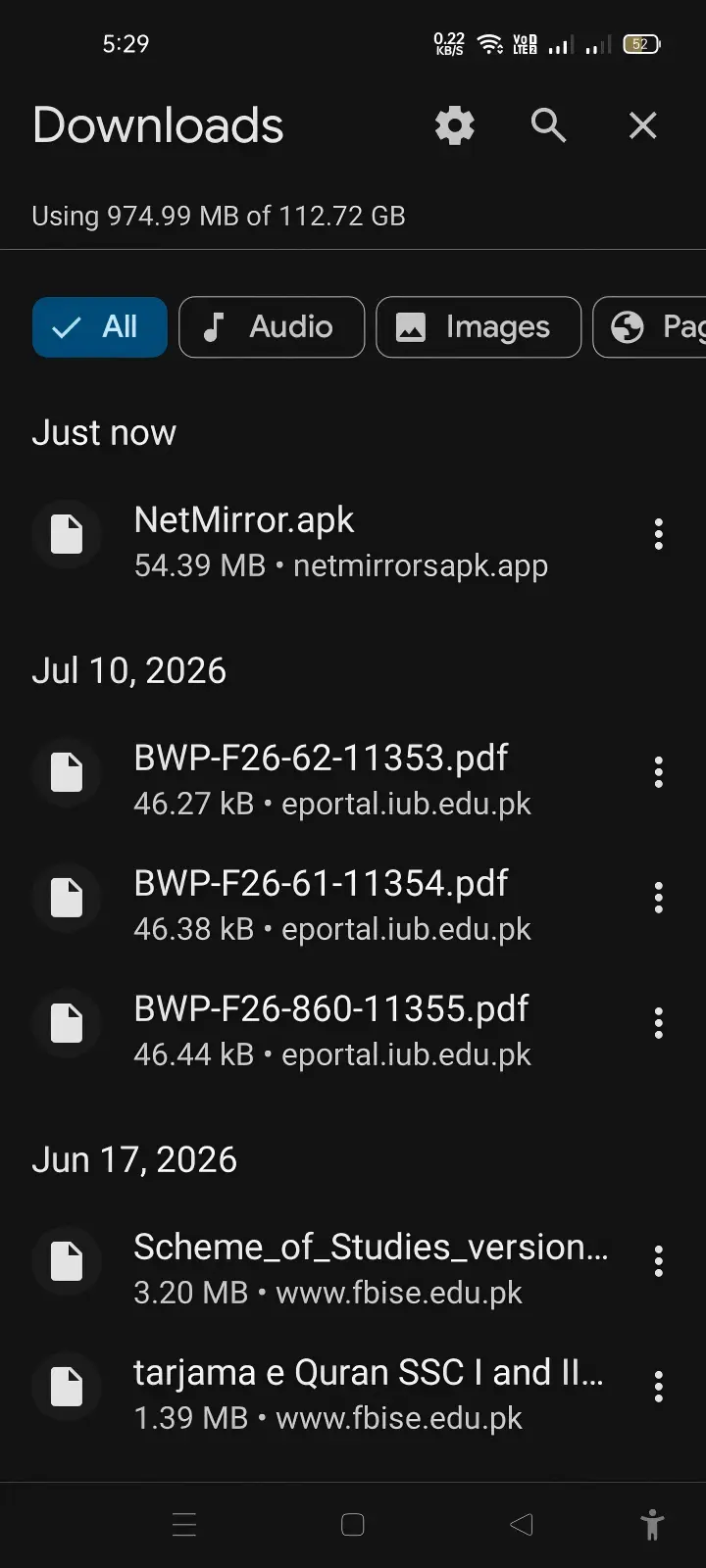
Follow these Android screenshots in order. Menu wording may vary by phone brand.

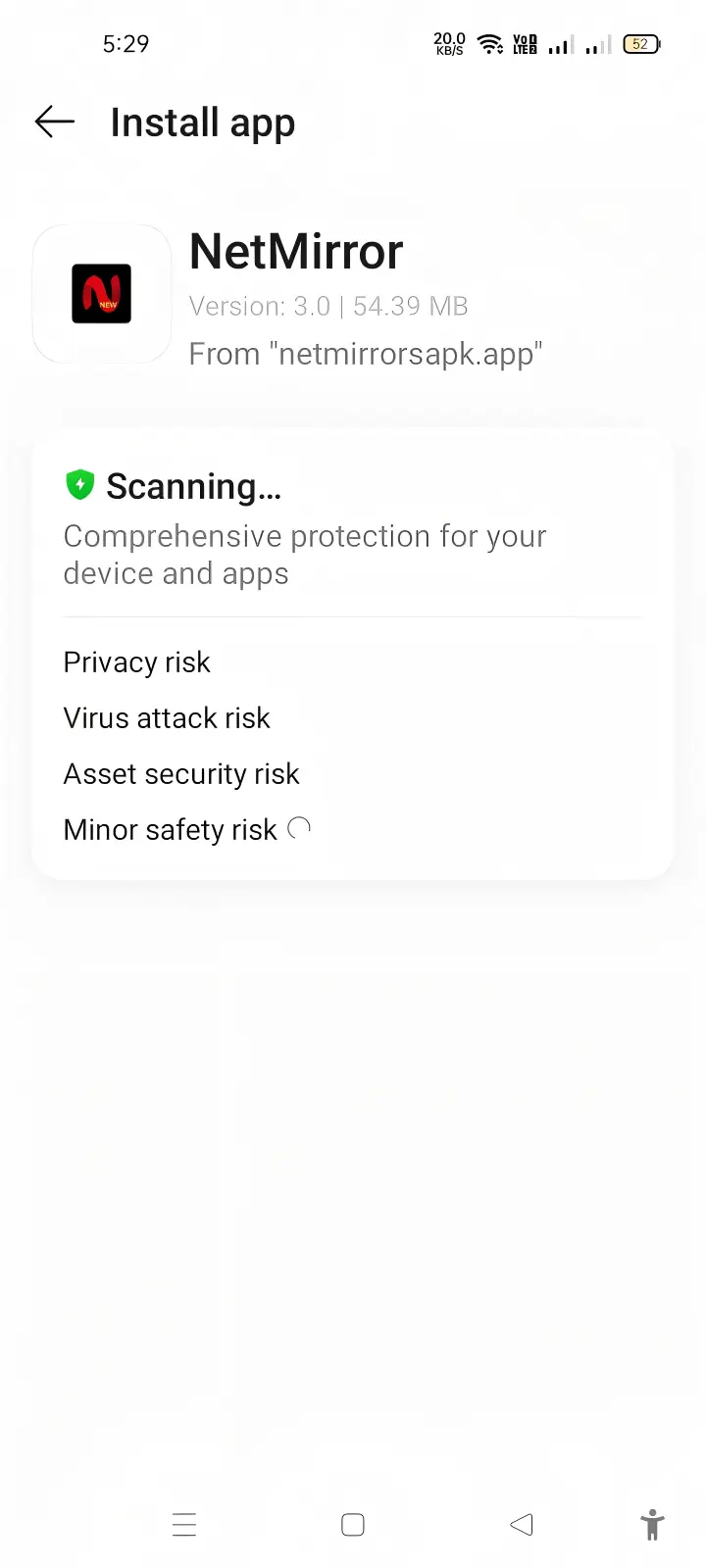
1. Open the APK
Find NetMirror.apk in Downloads and tap the file.
2. Confirm installer
Allow Android to scan the package and continue.
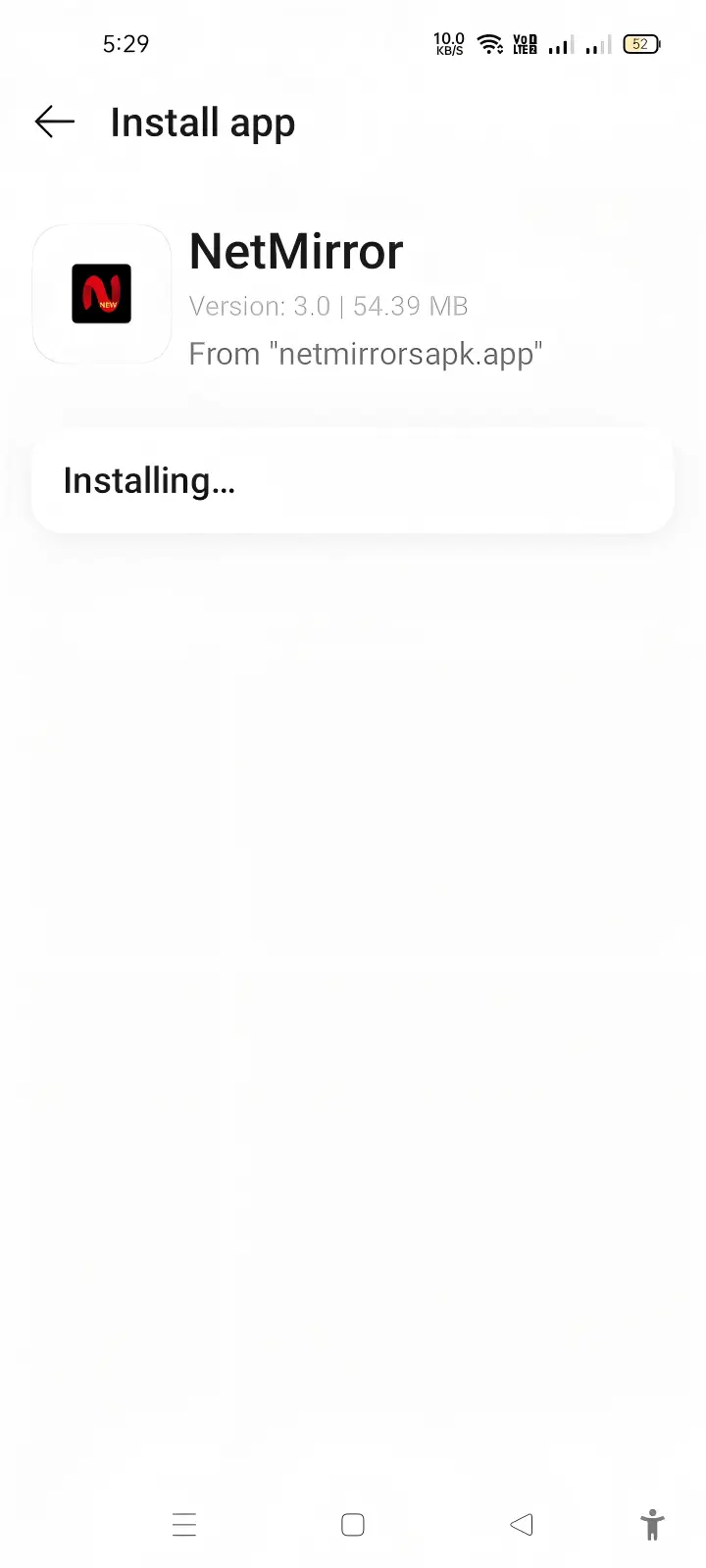
3. Wait for setup
Keep the installer open while setup finishes.
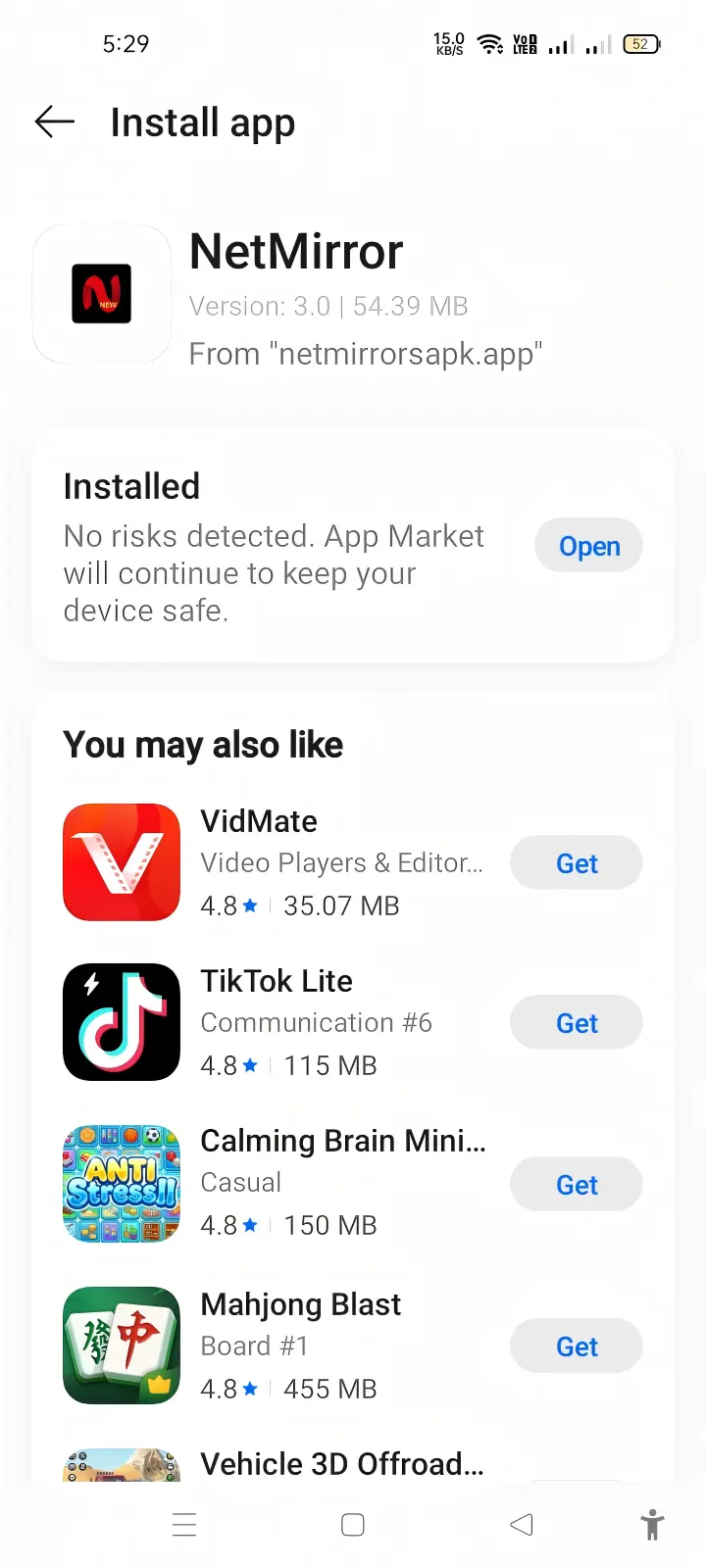
4. Open NetMirror
Tap Open after Android confirms installation.
Quick answers
Before installing.
Review the basic APK information and Android installation guidance.
Which version is shown here?+
The supplied installation screenshots show NetMirror version 3.0 with a 54.39 MB package size.
Why does Android ask for permission?+
APK installation may require temporary permission for your browser or file manager. Only allow a source you trust.
What if installation fails?+
Confirm the download finished, check available storage and remove any incomplete older package before trying again.
NetMirror for Android
One page. Every essential detail.
Explore the app, check package information and follow the installation guide without leaving this page.